How Does an eSIM Work? From QR Code to Connected
No plastic card, no tray pin. An eSIM is a profile your phone downloads, and understanding how it connects abroad saves you real roaming money. The full mechanics, step by step.
 Ramis Kalkan
Updated: 9 min read
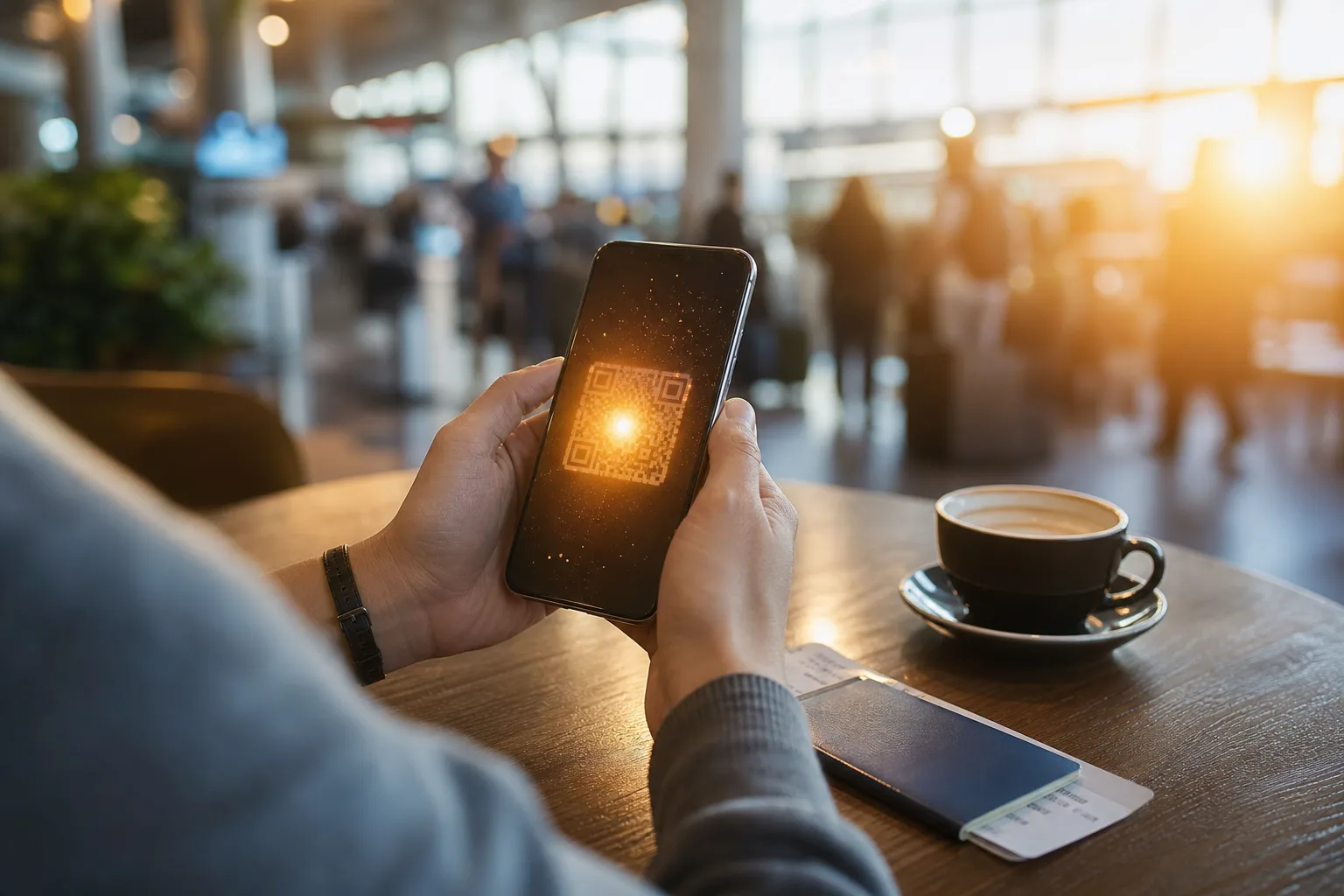
An eSIM works by downloading your mobile plan as a small file, called a profile, onto a chip that is already built into your phone. You scan a QR code or tap an activation link, the profile installs over Wi-Fi, and your phone connects to the network. No plastic card, no tray pin, nothing to post or collect.
That one paragraph is the whole trick. But if you’re about to rely on an eSIM abroad, the details underneath it are worth ten minutes of your time. Knowing what actually happens when your plane lands, how your home number keeps working alongside travel data, and what an eSIM can’t do will save you both roaming charges and airport stress.
This guide walks through the mechanics step by step: the chip, the profile, activation, what happens at the border, and the dual-SIM setup most travellers should be using. If you first want the plain-English basics of the technology itself, start with our explainer on what an eSIM is and come back for the how.
Key Takeaways
- An eSIM is a downloadable profile that installs on a chip (the eUICC) permanently built into your phone. The GSMA, the mobile industry’s standards body, defines how it works on every network.
- Activation is a download, so you need an internet connection (usually Wi-Fi) to install a profile. Install before you fly, not at the arrivals gate.
- A travel eSIM connects abroad as a local or regional plan, so your data doesn’t route through your home carrier’s roaming rates.
- Your physical SIM and eSIM run side by side. Keep your home number active for calls and banking texts while the eSIM carries your data.
- One phone can store several profiles, but most phones run only one data line at a time. Switching between stored profiles takes seconds in settings.
The Chip That’s Already in Your Phone
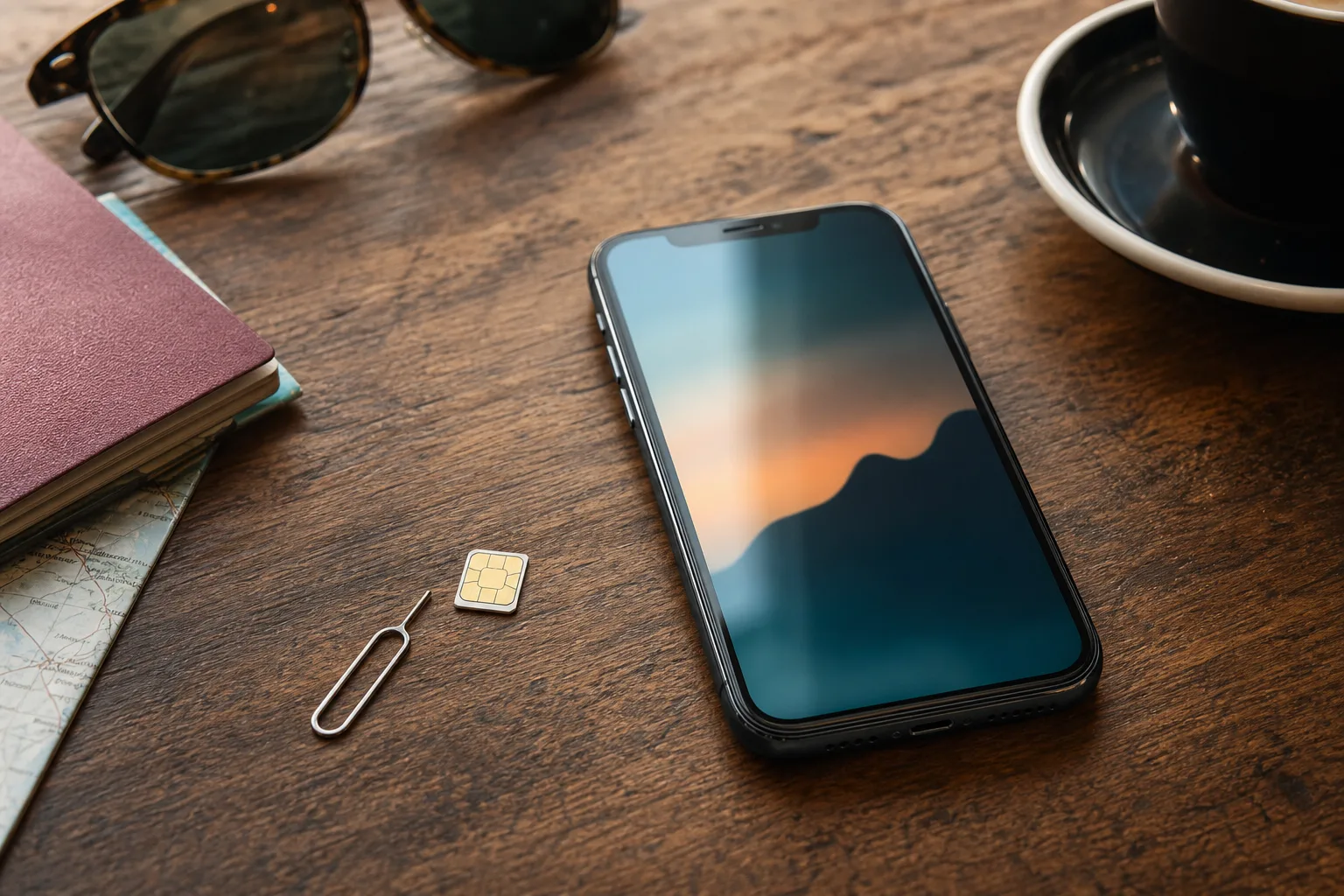
Every eSIM-capable phone ships with a small, permanently soldered chip called an eUICC (embedded universal integrated circuit card). Think of it as an empty SIM slot that lives inside the electronics. It holds mobile plans as software instead of plastic.
The plan itself arrives as a profile: a few kilobytes of data that tell your phone which network to join, with what number, under what plan. The GSMA, the industry body behind the standard, designed profiles to be downloaded, stored, switched, and deleted like apps. The chip never changes. Only the profiles on it do.
That separation of hardware and plan is the entire reason eSIMs matter for travel. Changing networks used to mean changing a physical object. Now it means changing a file.
How eSIM Activation Works
Activation is a download that follows the same three steps on nearly every phone:
- You receive a QR code or activation link from the provider after purchase, usually by email or in an app within minutes.
- Your phone scans it and downloads the profile. This is the step that needs an internet connection. The phone contacts the provider’s server, verifies the code, and pulls the profile onto the eUICC chip.
- You enable the new line. The profile appears in your SIM settings, where you name it, turn it on, and choose what it handles: data, calls, or both.
The practical rule that follows from step 2: install the profile at home on Wi-Fi, before the trip. A profile can’t download without a connection, and the arrivals hall is the worst place to discover that. Once installed, the profile sits ready and connects when its network is in reach and the line is switched on.
One more mechanical detail worth knowing: a profile is typically tied to one device once installed. If you later switch phones, you usually transfer or re-issue the eSIM through the provider rather than moving a card across. Apple and Google both document their transfer flows, and newer phones make it a guided step during setup.
What Happens When You Land Abroad
Here’s the moment the mechanics pay off. Your plane lands, you turn off airplane mode, and two different things can happen depending on what’s in your phone.
| What’s active | How your data connects | Who sets the rate |
|---|---|---|
| Home SIM only | As a roaming visitor on a foreign network | Your home carrier’s roaming terms |
| Travel eSIM | As a local or regional plan on a partner network | The plan you chose before flying |
With only your home SIM, the phone attaches to a foreign network as a roaming device. Every megabyte routes through your home carrier’s agreement with that network at your plan’s roaming rate. For UK travellers in the EU, that can mean daily fees or capped allowances since post-Brexit plans stopped guaranteeing free EU roaming.
With a travel eSIM enabled, the phone joins a network the eSIM provider has a direct local or regional arrangement with. Your data is a local guest, not a roaming visitor. A regional profile that covers Europe rather than one country reconnects the same way in the next country, with nothing to swap or re-scan.
The EU’s roam-like-at-home rules, in force since 2017 and extended to 2032 under Regulation (EU) 2022/612, protect EU-plan holders inside the EU. Everyone else, including most UK and non-EU travellers, is exactly who travel eSIMs were built for.
Dual SIM: Keep Your Number, Spend Less on Data
The setup most travellers should copy is the dual-SIM split. Modern phones run a physical SIM and an eSIM at the same time, and you assign each line a job:
| Line | Its job on the trip | Why |
|---|---|---|
| Home SIM | Calls and texts | Your number stays reachable, and banking or verification texts that only go to your real number keep arriving |
| Travel eSIM | Mobile data | Everything that eats megabytes, from maps to messaging, runs on the travel plan instead of roaming |
The one setting that catches people out is data switching. If your phone is allowed to fall back to the home line for data, it can quietly roam at home-carrier rates while the eSIM sits idle. Check that mobile data is pinned to the eSIM line and that data switching between lines is off. Both iOS and Android show which line carries data at the top of the SIM settings screen.
Received wisdom says juggling two lines is fiddly. In practice, you set it once at home and the phone remembers the arrangement for the whole trip.
eSIM on a European Road Trip
Driving across Europe is the use case where eSIM mechanics genuinely shine, because borders arrive faster than on any other kind of trip. A morning that starts in Munich can end in Italy, having crossed Austria in between.
A regional eSIM profile treats those crossings as non-events. The phone drops one partner network and picks up the next, the same profile, no queue at a phone shop in a border town. Navigation, live traffic, and toll-app access carry straight through, which matters when the rules of the road are changing around you at the same time. Data is also only one of the border chores: vignettes and tolls change country by country too, and sorting the right vignette or toll pass before departure removes the other roadside surprise.
For the connectivity itself, a travel eSIM for Europe covers the multi-country case with one profile, which is exactly the shape of a road trip.
The Limits Worth Knowing
An honest mechanics guide includes what eSIMs can’t do:
- Older and locked phones. The eUICC chip went mainstream with the iPhone XS generation in 2018, so older handsets rarely support it, and a carrier-locked phone won’t accept other providers’ profiles until it’s unlocked. Check compatibility before buying any plan.
- One active data line. You can store several profiles, but phones generally run one data connection at a time. Switching is fast, but it’s a manual choice.
- A dead phone takes its eSIM with it. With a physical SIM you can move the card to a spare handset; an eSIM must be transferred or re-issued through the provider. It’s a rare problem with a known fix, but on a long trip it’s worth knowing.
- Wi-Fi needed to install. The download step never goes away. Buy and install before the trip, every time.
None of these change the maths for travellers. They simply define when the eSIM route needs a minute of preparation.
The Short Version
An eSIM works by turning your mobile plan into a downloadable profile: scan a QR code on Wi-Fi, the profile installs on a chip already inside your phone, and you enable it as a line. Abroad, that profile connects you as a local rather than a roamer, and alongside your physical SIM it keeps your home number alive while travel data runs on the cheaper line. Install before you fly, pin mobile data to the eSIM, and the technology disappears into the background of the trip, which is the whole point.
Frequently Asked Questions
Does an eSIM work without an internet connection?
Installing one doesn’t: the profile has to download, so you need Wi-Fi or another data connection for setup. Once installed, the eSIM connects to mobile networks like any SIM and needs no separate internet to operate.
Can I keep my own number while using a travel eSIM?
Yes. That’s the standard dual-SIM setup: your physical SIM keeps your number active for calls and texts while the eSIM carries mobile data. Both run at the same time.
How many eSIM profiles can a phone store?
Most current phones store several profiles, commonly five to ten depending on the model, but typically run only one as the active data line at a time. Apple’s and Google’s support pages list the exact limits per device.
What happens to my eSIM if I change phones?
You transfer it or have it re-issued. iPhones offer a guided eSIM transfer during setup, and Android’s flow varies by brand. Providers can send a fresh QR code when a direct transfer isn’t supported. The profile doesn’t move by itself the way a physical card does.
Does an eSIM drain more battery?
No. The eSIM chip does the same radio work a physical SIM does. Running two active lines at once uses marginally more power than one, but that applies to any dual-SIM setup, not to eSIM technology itself.
Do eSIMs work in every country?
The technology works wherever there’s mobile coverage, but each profile only connects to the networks its plan covers. A Europe regional profile won’t connect in Asia. Match the plan’s coverage list to the itinerary before buying.
Why does my travel eSIM show a different number?
Data-focused travel eSIMs often come with a placeholder number or none at all, because their job is data rather than calls. Your reachable number stays the one on your home SIM in the dual-SIM setup.
Sources
Ramis Kalkan
Ramis Kalkan leads growth at Vignetim. He writes about everything that makes European road trips smoother, from digital vignettes to eSIMs. Based in Ankara, usually mid-way through planning his next drive.