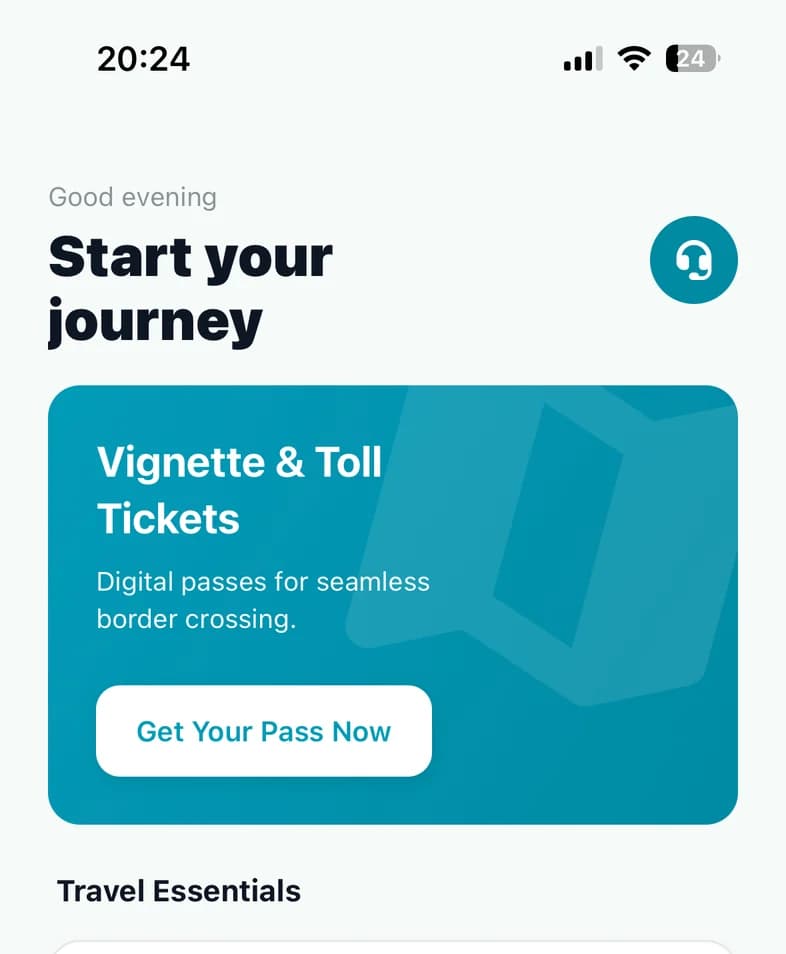
User Data Deletion Instruction
Follow these simple steps to permanently delete your data from our application
How to Delete Your Data
If you wish to delete your data from our application, please follow the steps below:
1
Open the App
Launch the application on your device.
2
Go to More Settings
Tap on the "More Settings" option located in the main menu.
3
Select Delete My Data
In the "More Settings" menu, find and select the "Delete My Data" option.
4
Confirm Deletion
A confirmation screen will appear. To proceed with deleting your data, tap the "OK" button.
Important: Once your data is deleted, it cannot be recovered. Please ensure you want to permanently remove your data before confirming.
Scarica l’app Vignetim
Acquista e-vignette, l’HGS per la Turchia ed eSIM da viaggio in pochi tocchi, e tieni tutto a portata di mano lungo la strada. Inquadra il codice con la fotocamera del telefono per scaricarla.
 (si apre in una nuova scheda)
Valutazione 4,8
oltre 5500 recensioni
 (si apre in una nuova scheda)
Valutazione 4,9
oltre 4500 recensioni