User Data Deletion Instruction
Follow these simple steps to permanently delete your data from our application
How to Delete Your Data
If you wish to delete your data from our application, please follow the steps below:
1
Open the App
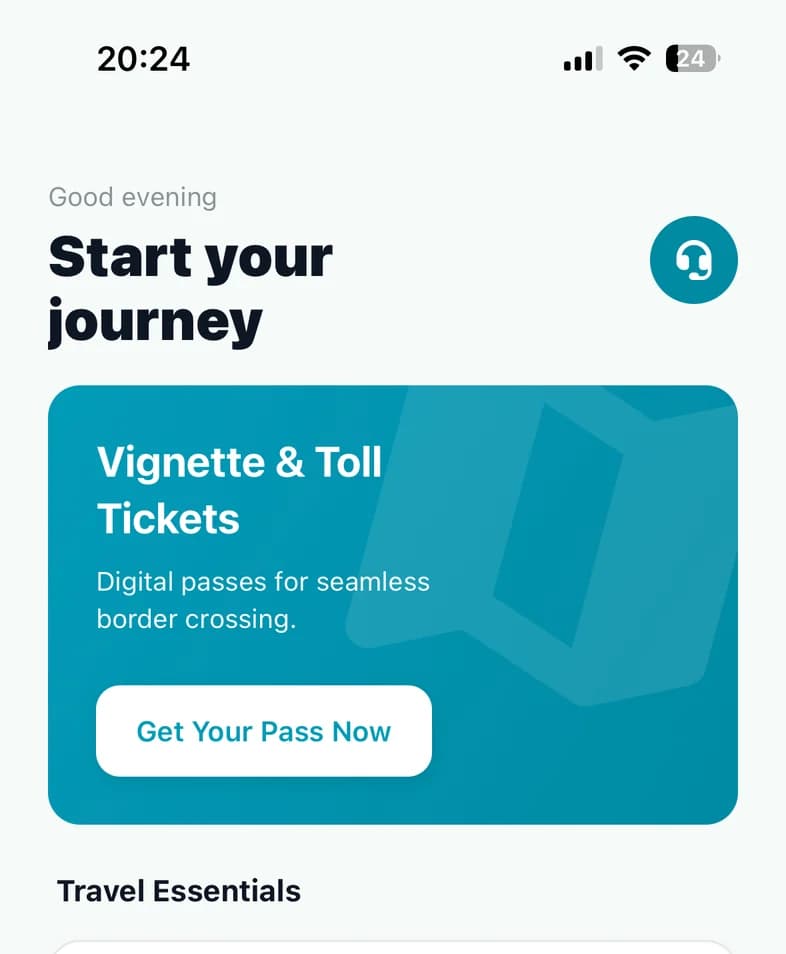
Launch the application on your device.
2
Go to More Settings
Tap on the "More Settings" option located in the main menu.
3
Select Delete My Data
In the "More Settings" menu, find and select the "Delete My Data" option.
4
Confirm Deletion
A confirmation screen will appear. To proceed with deleting your data, tap the "OK" button.
Important: Once your data is deleted, it cannot be recovered. Please ensure you want to permanently remove your data before confirming.
Preuzmite aplikaciju Vignetim
Kupite e-vinjete, HGS za Tursku i putni eSIM u nekoliko dodira i imajte sve za put uvijek pri ruci. Skenirajte kod kamerom mobitela da biste je preuzeli.
 (otvara se u novoj kartici)
Ocjena 4,8
5.500+ recenzija
 (otvara se u novoj kartici)
Ocjena 4,9
4.500+ recenzija